After my initial idea generation and research I now know I want to focus on creating a story with the aid of visual narratives. For the first round of testing to see how people react to creating a story using visual aids, I used ‘Rory’s Story Cubes’
These cubes are the small size and weight as normal playing die but instead of the numbers one to six, they have a picture on each side. The objective is simple, roll the dice and create a story with them however they may fall or move them around if you wish. I came across these when babysitting and I thought they would be a good way in testing an appropriate method for my project.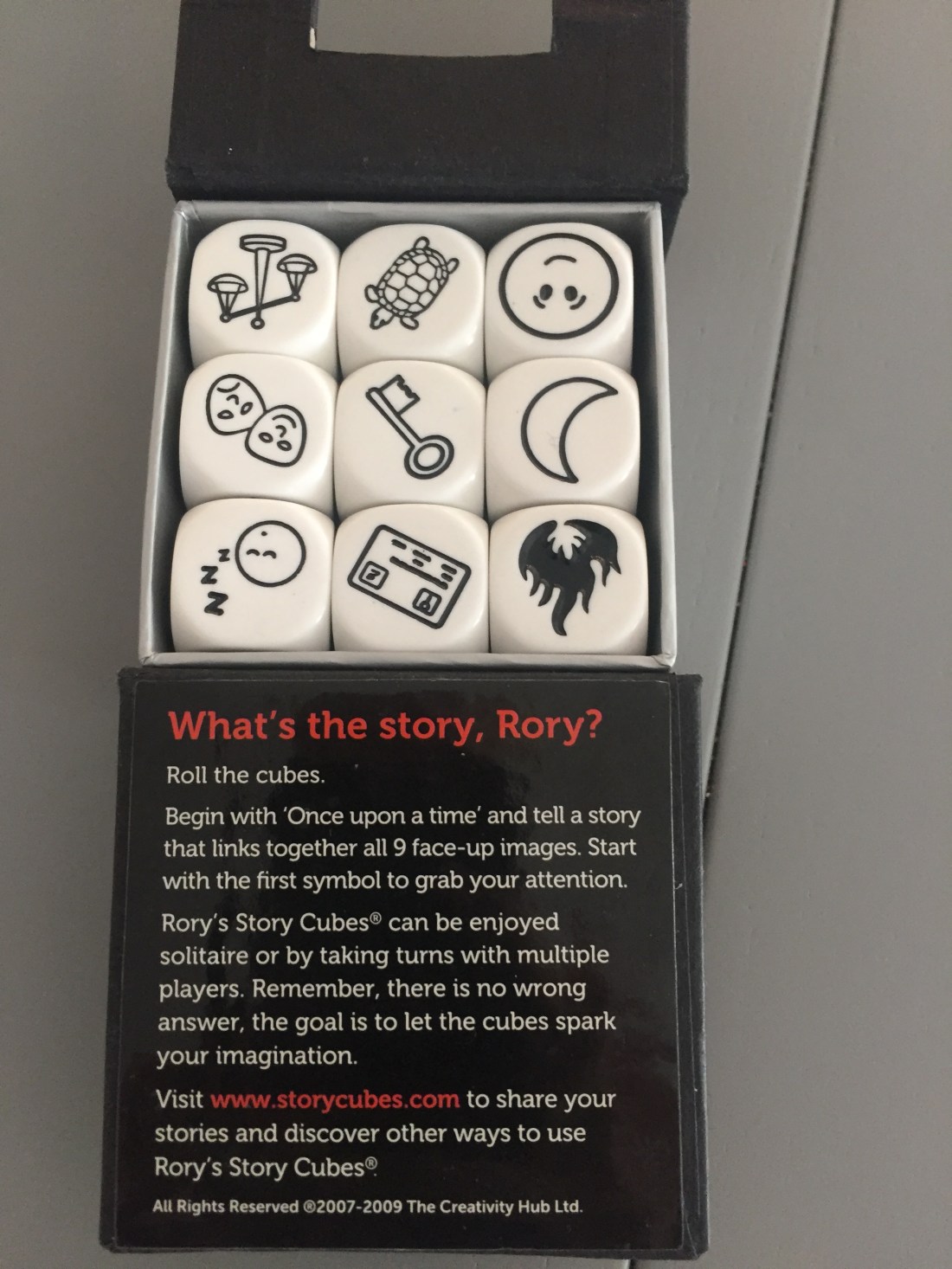
The first thing I did was allowed my tester to put the cubes any way they wanted. I had three boxes of them totalling 27 dice each having six pictures on each so the possibilities were endless. The cubes come in different variety packs. There is the original pictured directly above these have a mixture of emotions and objects. There is the actions box which feature little characters doing something and there is a voyages box which feature pictures from specific times and places e.g. cowboy hat, dinosaur egg, mermaid.
By allowing as many cubes as they wanted, the story was getting a lot of elements but it was difficult to make any sense of it. There was obviously no structure to it as I hadn’t given him one and there was just too much going on to make it a cohesive storyline.
I decided to remove one of the boxes to limit the number of dice down to 18 but again, since each dice has six sides this allowed for a lot elements within the story they were creating.
I decided to stick with the number of dice that comes in each box which is 9. I also asked them to stick with the sides of the cubes that were pointing upward because up until this point I was allowing them to change the cube face around but soon realised that this wasn’t challenging them creatively, they were just going for the easiest option. Instead I told them that they could change the order in which the cubes were in the story but they had to stick with the picture given.
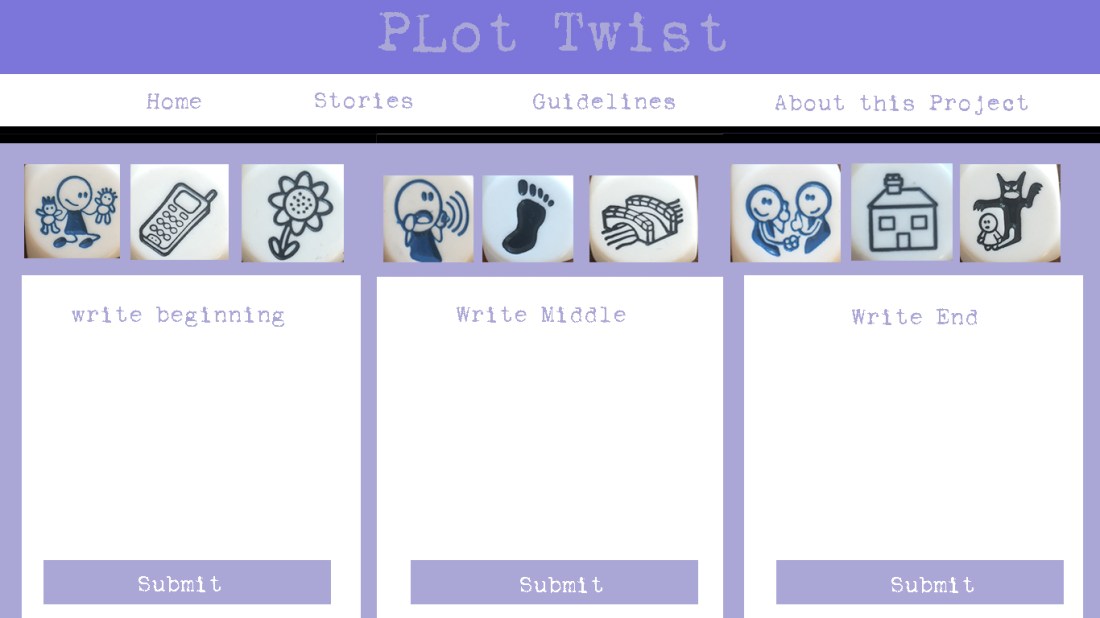
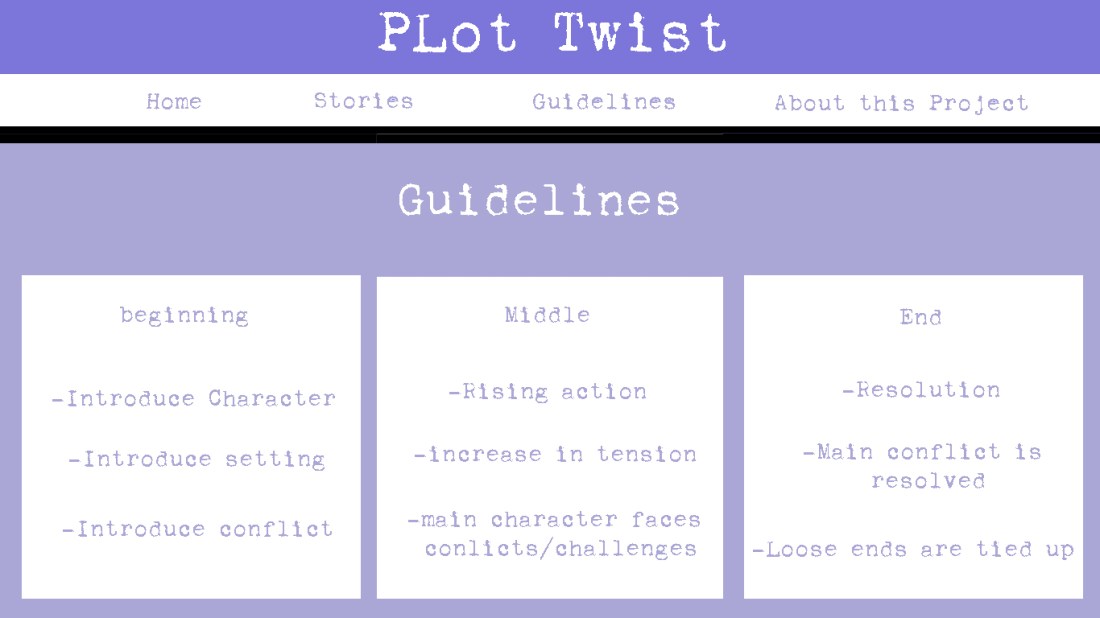
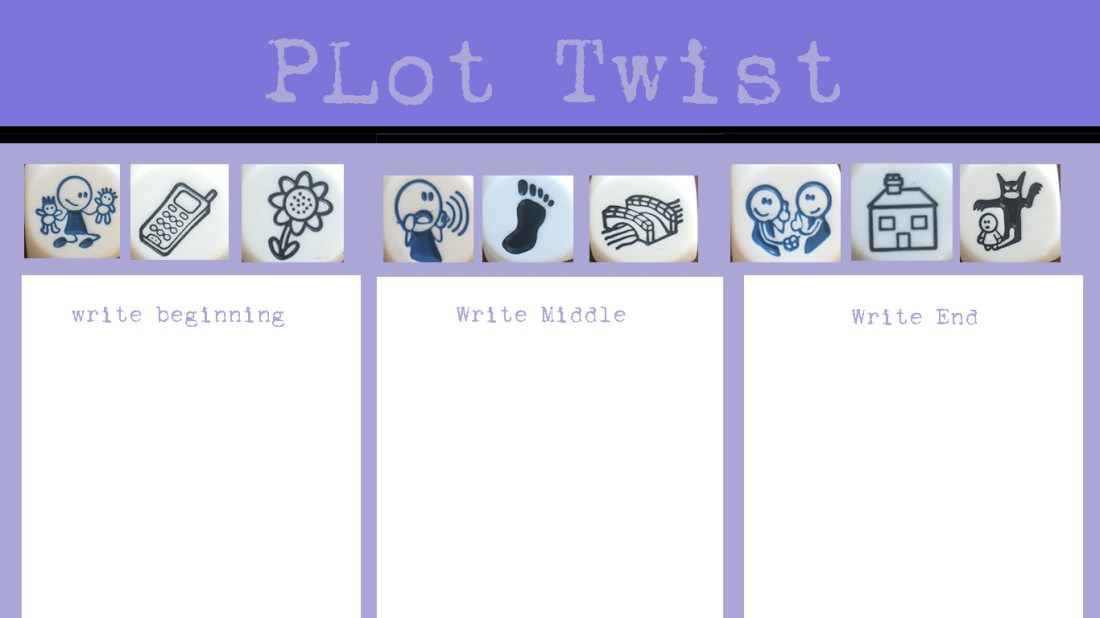
After we started getting the creative juices flowing I decided to make it a little harder by separating the cubes into the 3 groups, mimicking the 3 act structure. I gave the testers a quick guide into how the story should be formed (act 1- introduce characters etc) but the problem we came across was that one box of cubes didn’t allow for a great story as the pictures were all just objects. So at this point I removed 3 of the existing cubes and added in 3 of the action cubes which all had a picture of a character on them. I told them they were free to give the character a name and job if they wished and to use this character to continue with the story. I told them that the second and third cube with the character on them could either be our hero or they could add in an additional character like a sidekick or villain. 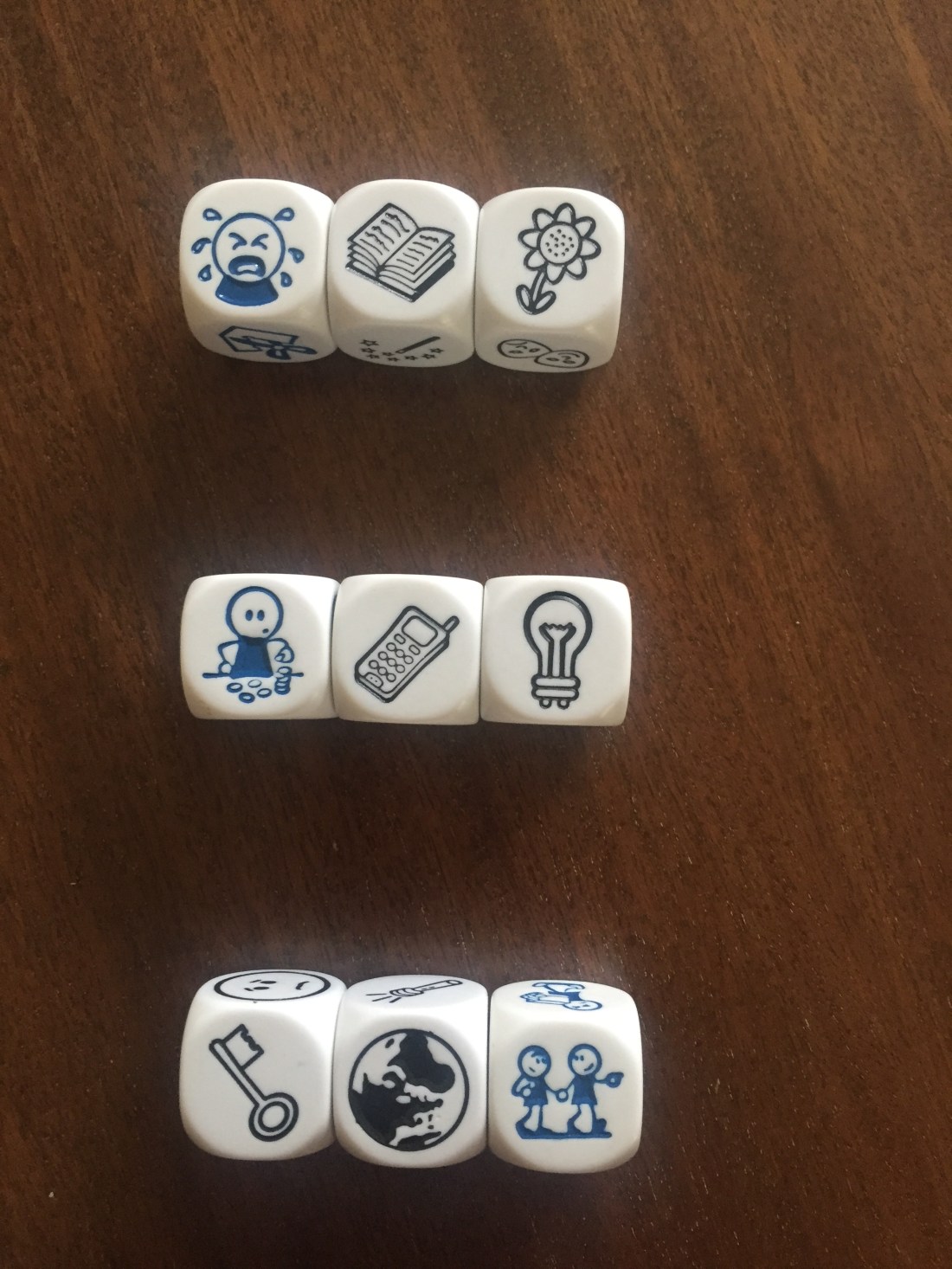
As you can see from the above picture the cubes were separated into the three acts and the action cubes allowed for our hero to continue moving forward in the story. I told the testers that they had to keep the groups as they were but they could change the order of the cubes within the groups if that worked best for their story. The results were interesting stories that had more structure than before and made a lot more sense. As they were limited in the pictures, all the testers worked harder to make sure they all made it in and made sense thus spending more time on each story than they had on the previous testing rounds. 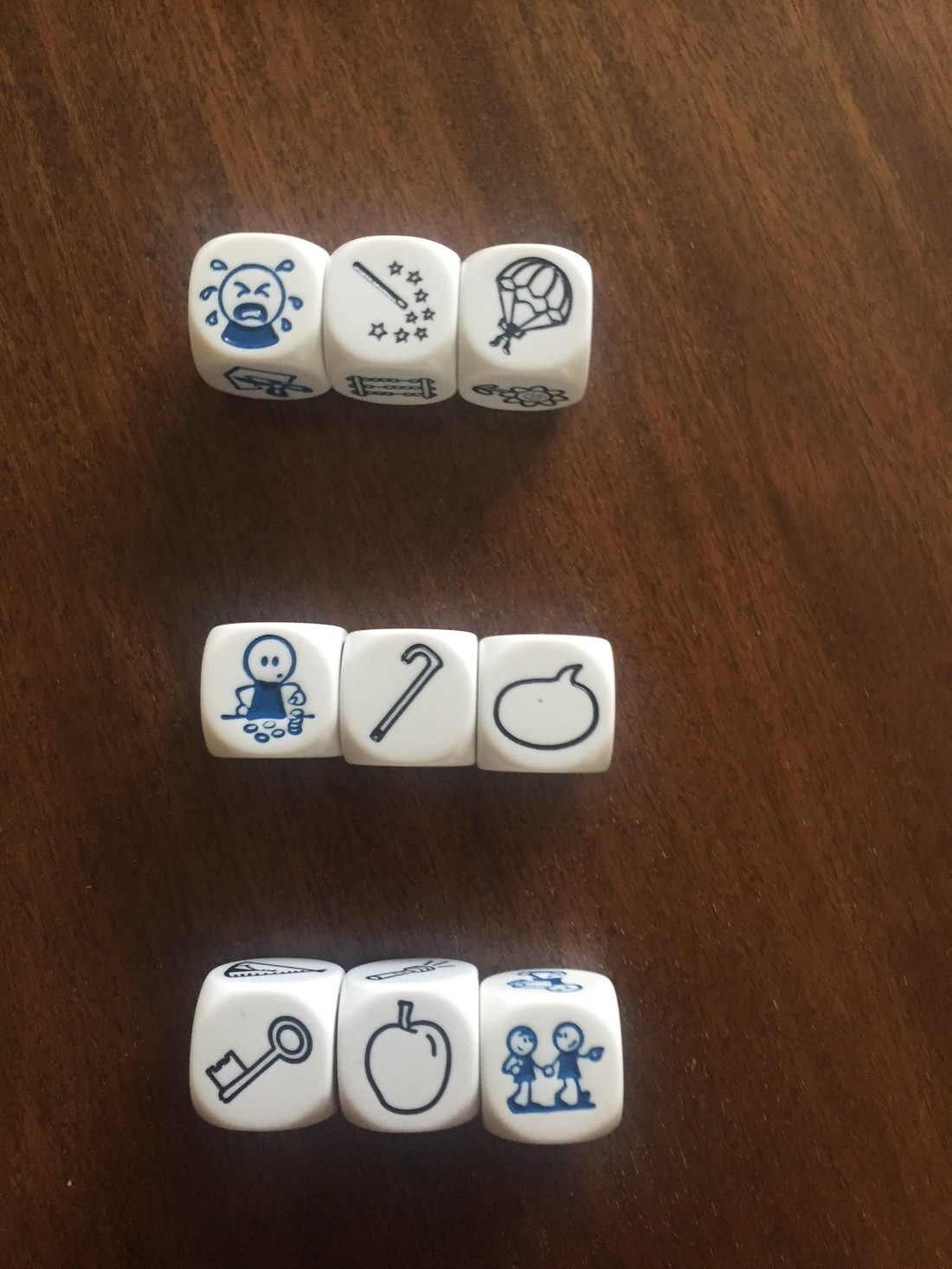
The next thing I did was I kept the action cubes the same but changed around the object cubes just to see if the testers could separate themselves from their previous versions of their stories. In fairness to them all at this stage they were trying incredible hard to come up with unique, interesting stories that they hadn’t told before. I think it took them a little while to get into the swing of it but once they were fully engaged they wanted to create the best story possible and also one they wasn’t expected.
Once I knew the testers were fully engaged with the process, I allowed them to have a little bit more freedom with the cubes. I told them they could change the action cubes if they wished but the object cubes had to remain as they were. Again, the stories being created were very interesting and entertaining, some enough quite funny. The longer the testers spend playing with the cubes, the better the stories became. I also found that they enjoyed some of the rules and restrictions I put on them as it made the whole exercise more challenging and they felt like they had to beat it in some way.
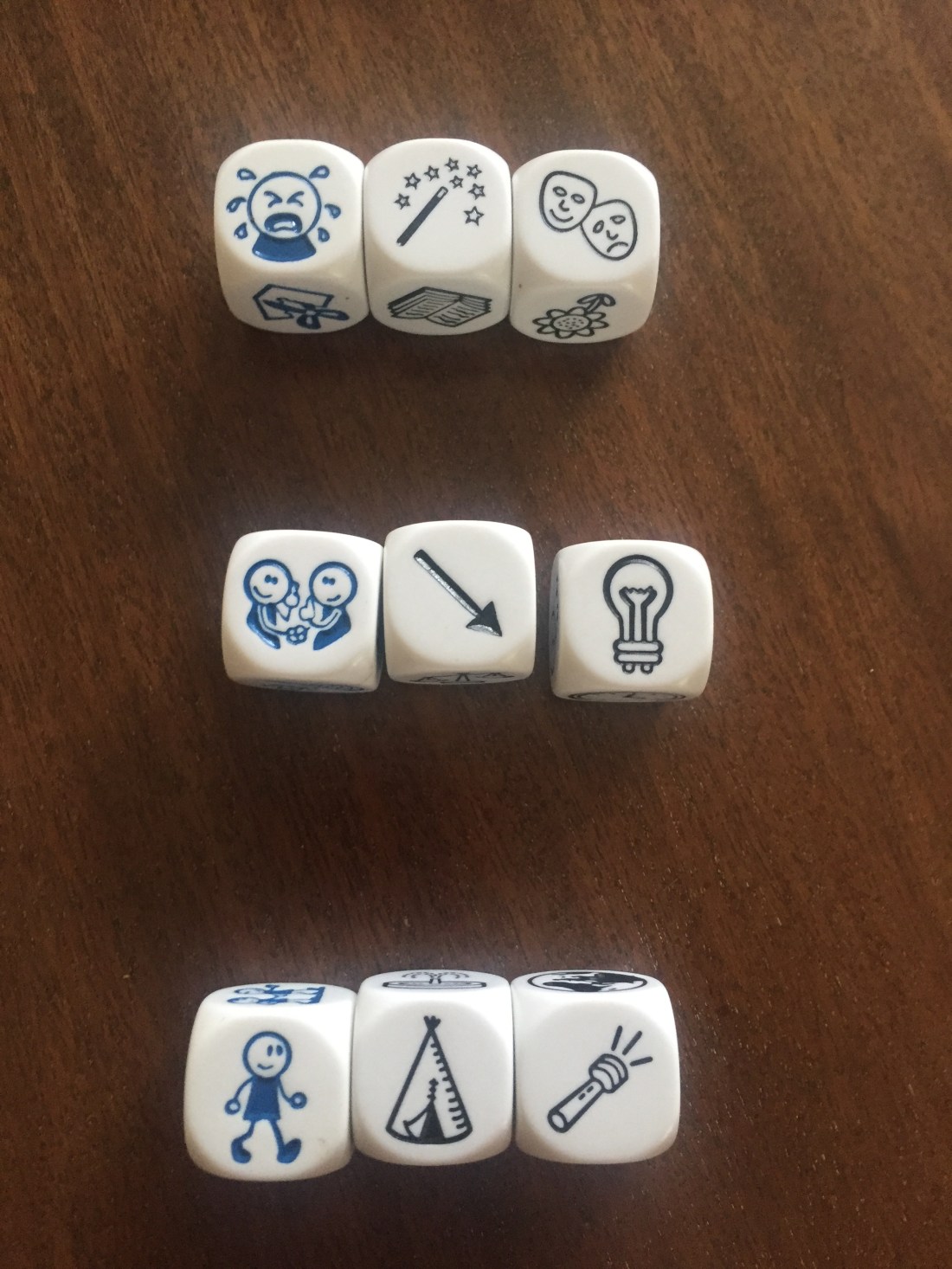
For my final stage of testing with the cubes, I decided I would be the one who laid them out and all of the testers would have to come up with a different story for the same set of cubes. Up until this point, each tester had a unique combination of cubes but for this round of testing they were all getting the same 9 cubes. They were free to change the order of the cubes within each act like before and I also informed them if someone else had the same elements to their story as they did. When I told them this, some didn’t care and continued on knowing someone else had a similar idea but others went back and changed them, not wanted to be the same as someone else.
From this testing I have learned that pictures or visuals are a great way to get people thinking about a story without limiting them too much on what they say. Because everyone looks at a picture differently the outcomes are purely based on the individuals perception of that object. For example, If you look at the lightbulb in the picture above, that could be an idea, a bright room, a dark room, something delicate or just a plain old light bulb. one picture allows for a number of outcomes which I did not think about before starting my testing.






 Direction concepts